ArcGIS Pro 3.7 | ArcGIS Enterprise 12.1 | Utility Network Version 8
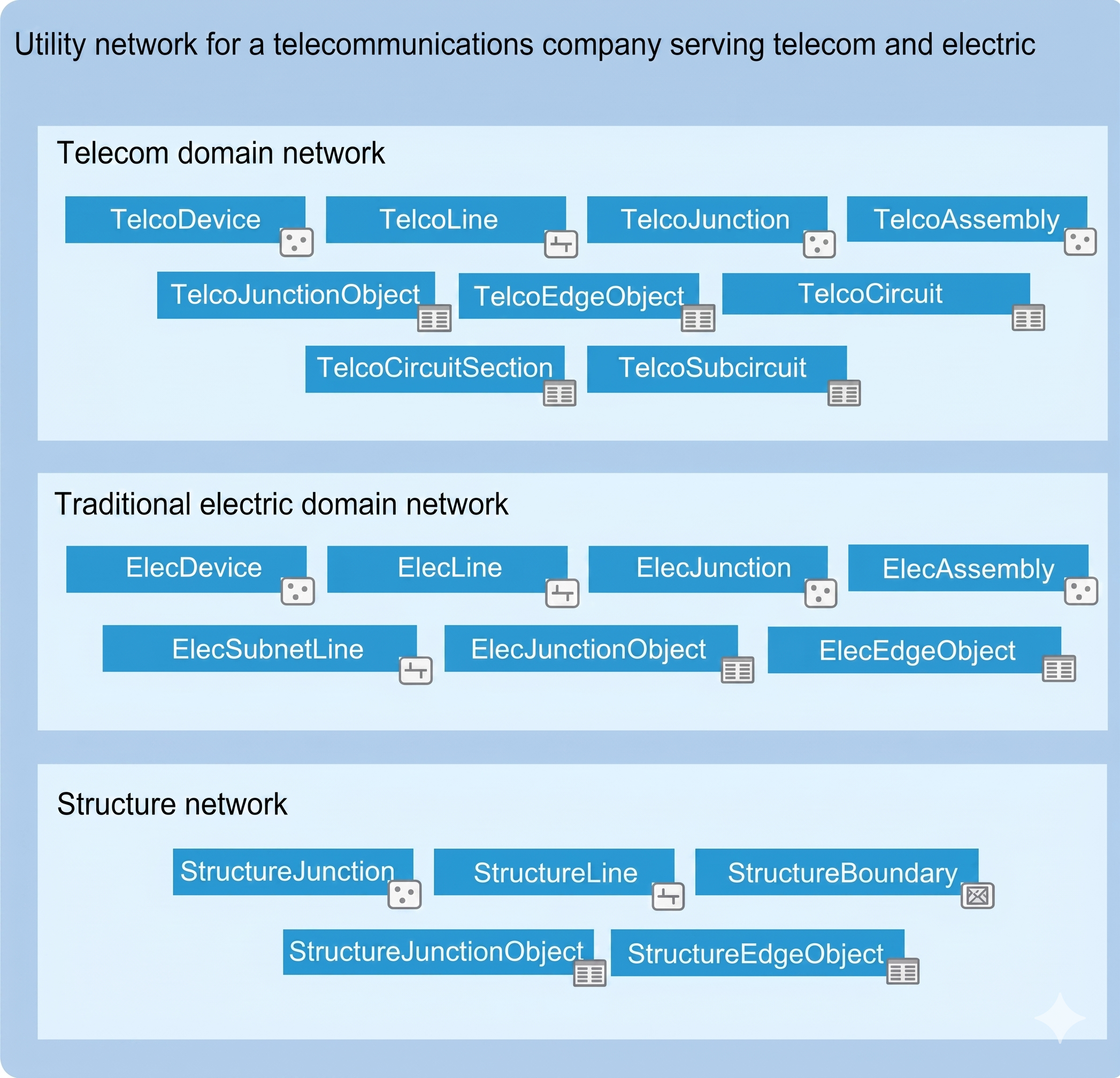
The main telecom-specific addition in the 2026 release is the new Telecom Domain Network, introduced with Utility Network Version 8. It was built specifically for telecommunications infrastructure rather than adapted from other utility models.
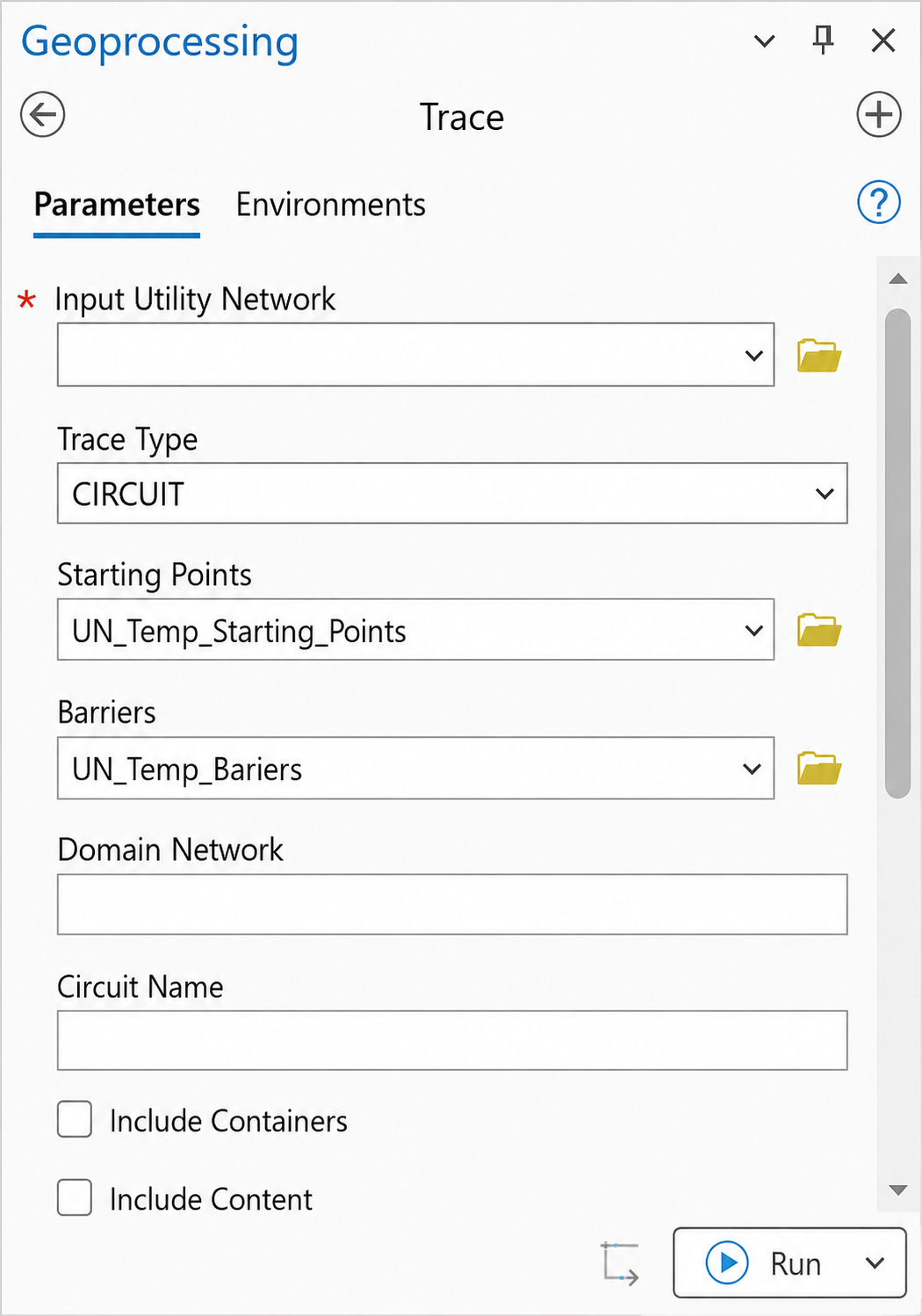
Unlike older domain networks that were adapted from electric or gas models, the telecom domain network is designed specifically for telecom workflows. It replaces subnetwork management with circuit management and adds a richer information model for grouping junction objects, edge objects, and associations.
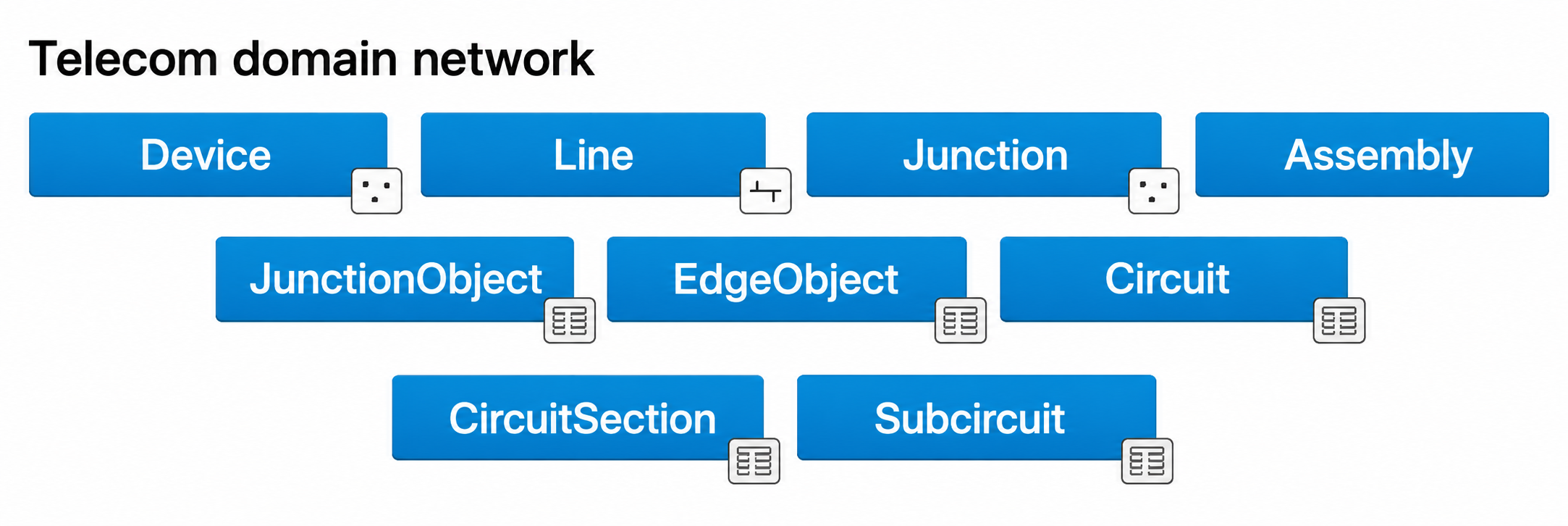
When you add a telecom domain network, four feature classes and five tables are created automatically:
|
Class / Table
|
Description
|
|---|---|
|
Device
|
Point features such as switches, optical network terminals, and antennas. These can also act as Junction Unit Containers.
|
|
Line
|
Linear features such as cables and wireless paths. They can serve as Edge Unit Containers with a Max Content Unit ID.
|
|
Junction
|
Connection points such as splice closures, slack loops, and risers that allow mid-span connectivity.
|
|
Assembly
|
Equipment containers such as patch panels and splitters. They can hold devices, junctions, and lines in a spatial context.
|
|
JunctionObject
|
Nonspatial junction objects such as chassis, ports, and splices. These support grouping through First Unit and Last Unit fields.
|
|
EdgeObject
|
Nonspatial edge objects such as fiber strands and copper pairs. These support grouping and foreign-key-based connectivity.
|
|
Circuit
|
A system-maintained table that stores uniquely named circuits within the domain.
|
|
CircuitSection
|
Stores the start and stop locations, along with barriers, that make up each circuit.
|
|
Subcircuit
|
Shows how circuits are divided into child circuits.
|

The Telecom Domain Network requires Utility Network Version 8, which is available with ArcGIS Pro 3.7 and ArcGIS Enterprise 12.1. To use it, you need to run the Upgrade Dataset geoprocessing tool.
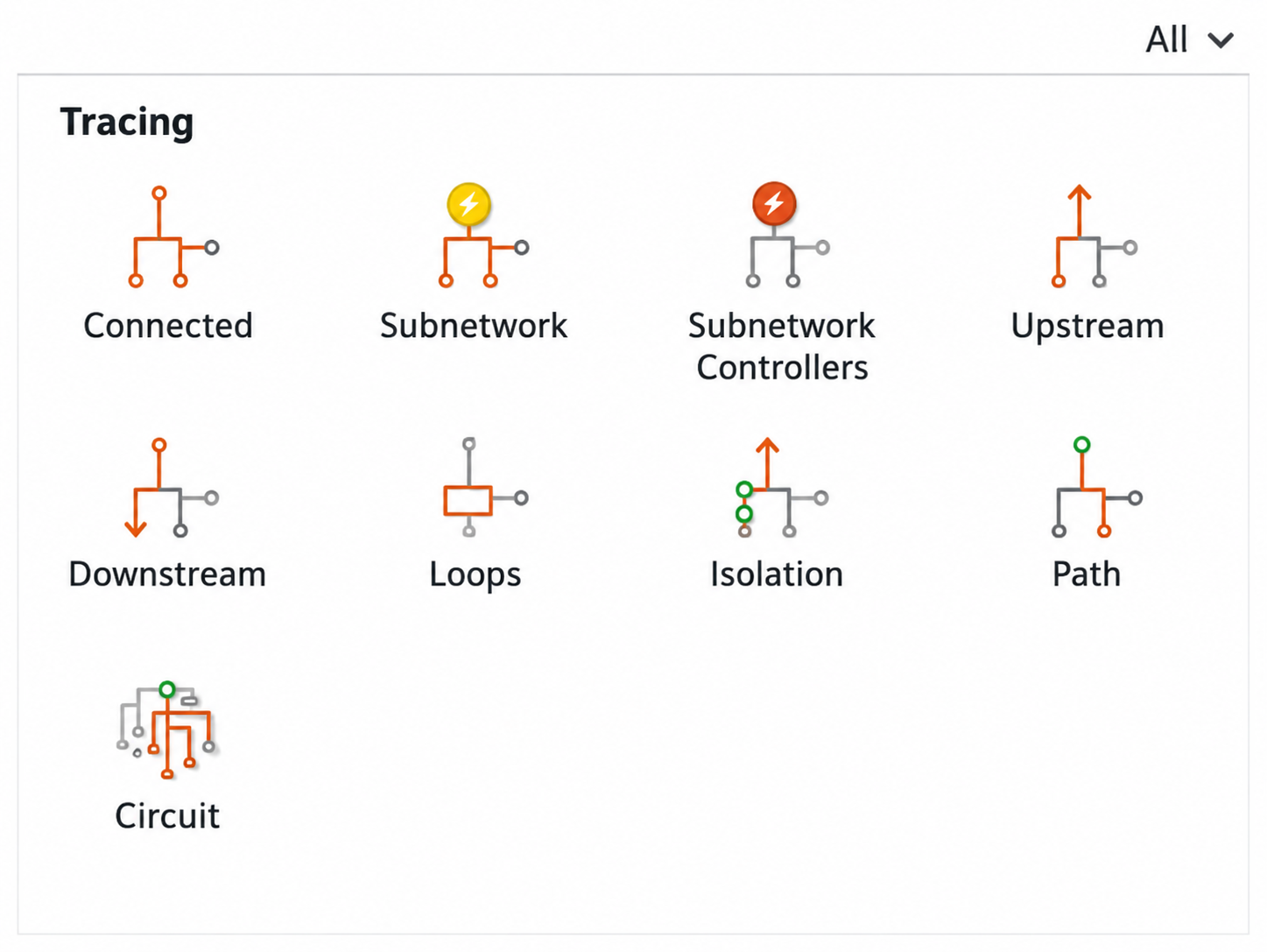
Beyond telecom, the 2026 release also includes three trace improvements that apply across all utility network domain types.
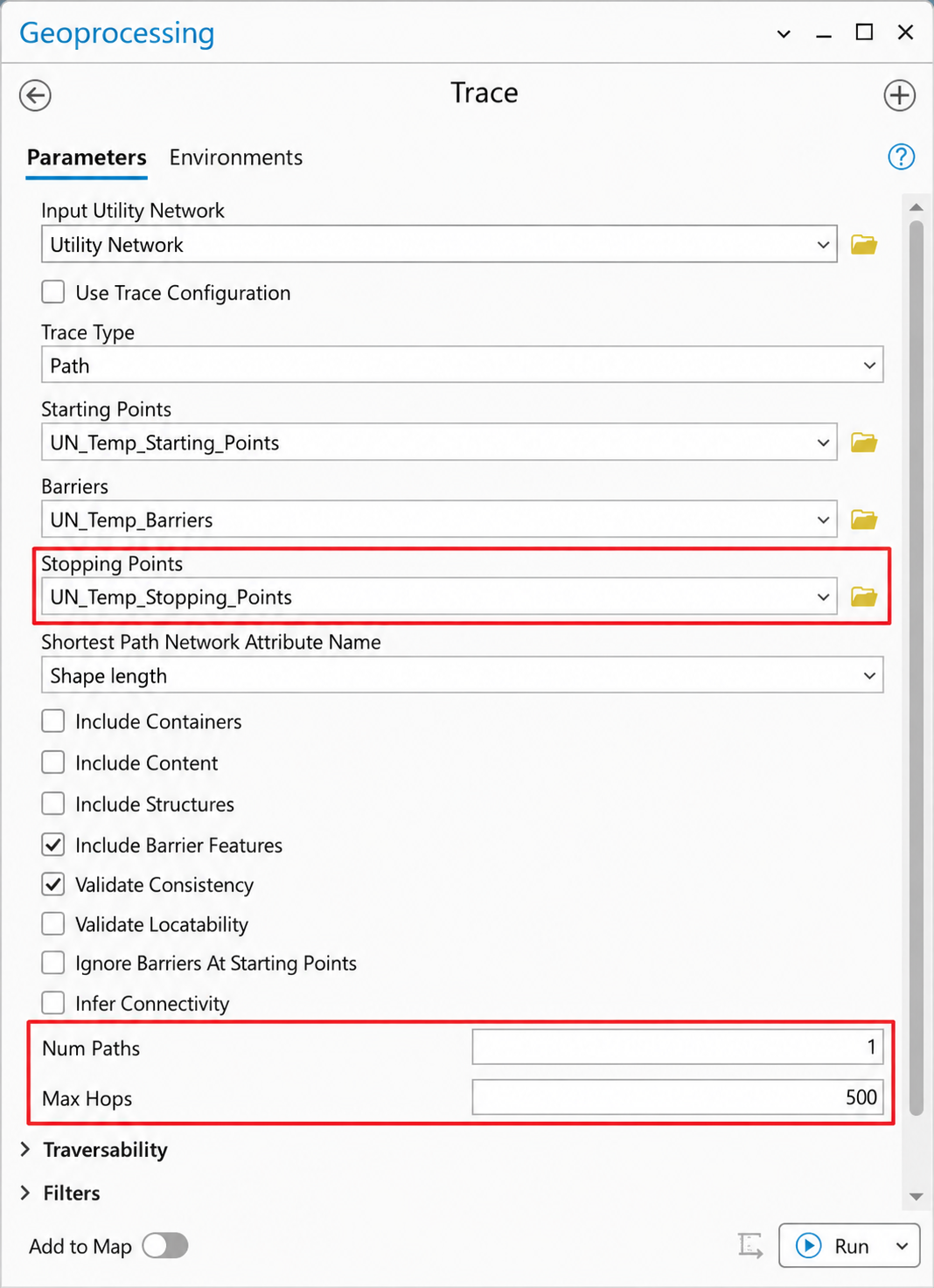
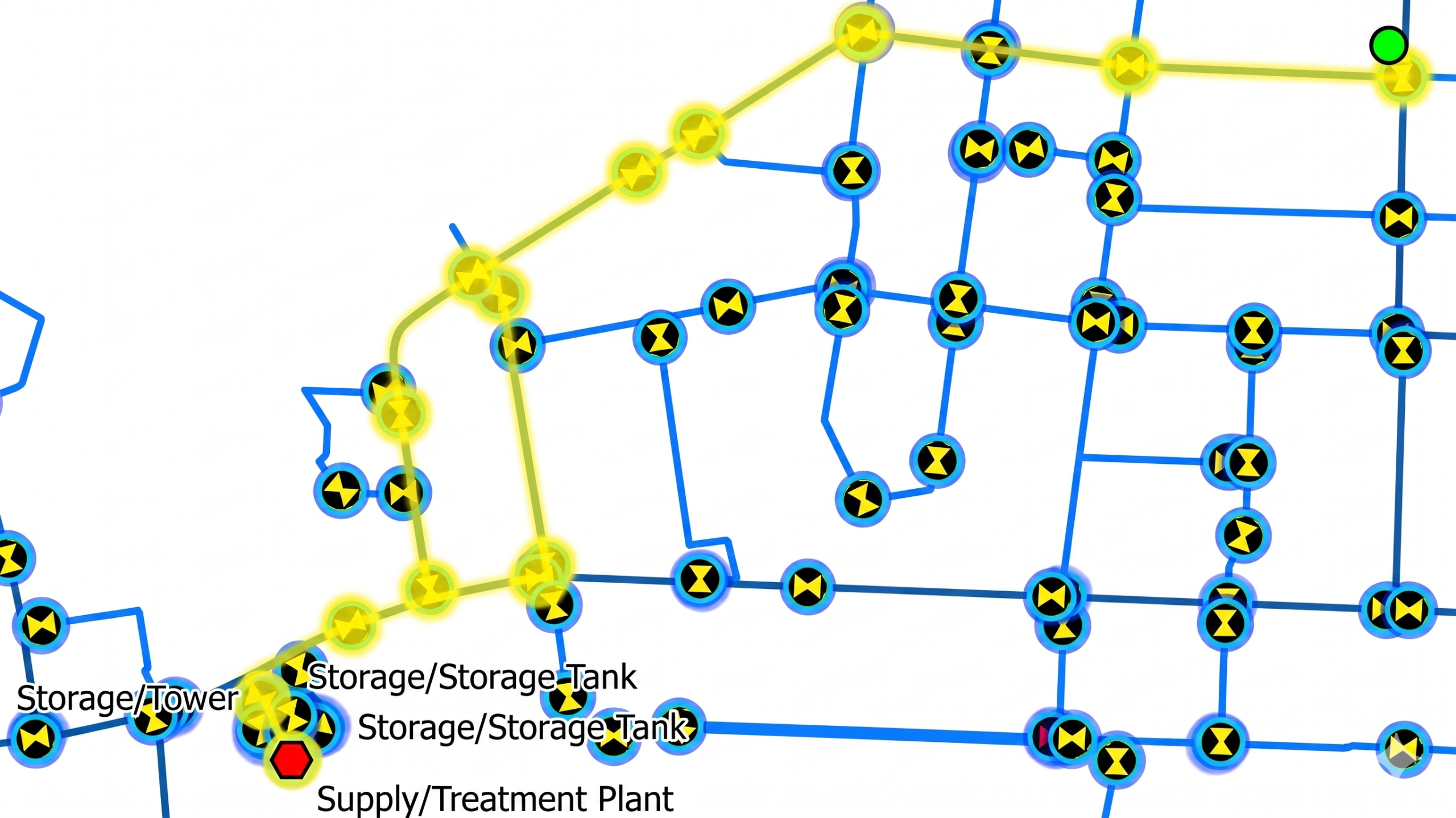
This new trace type finds all possible paths between two or more locations in the network. It effectively takes over from the Shortest Path trace, which is now deprecated.
The Path trace adds three new parameters:
|
Parameter
|
Description
|
|---|---|
|
Stopping Points
|
Defines the features that act as stopping locations for the path trace.
|
|
Num Paths
|
Sets the maximum number of paths returned between the start and stop locations.
|
|
Max Hops
|
Sets the maximum number of edge-to-edge hops allowed in a returned path.
|
A new Stop tab in the Trace pane lets you define stopping points interactively. If Num Paths is set to 1, the result matches the old Shortest Path trace. If you increase the value, the tool returns multiple distinct paths at the same time.