
LiDAR data is one of the most powerful tools available today for understanding our world in 3D. Whether it’s mapping cities, monitoring vegetation, or planning infrastructure, LiDAR delivers unmatched accuracy and detail.
But LiDAR files are huge, complex, and difficult to work with.
Many organizations receive gigabytes—or even terabytes—of LAS or LAZ files with:
The result? Valuable 3D data sits unused because turning it into a web-ready format requires time, special tools, and tedious manual work.
That’s where I3S and our automated LiDAR publishing workflow make all the difference.
I3S (Indexed 3D Scene Layer) is an open, cloud-optimized format created specifically for streaming large 3D datasets. It’s the foundation behind 3D layers in the Web GIS platform.
It supports several layer types—most popularly Point Cloud Scene Layers, used to visualize LiDAR data.
What makes I3S special?
Unlike formats adapted from 2D GIS, I3S is built for 3D from the ground up—supporting billions of points, 3D meshes, buildings, and integrated attributes.
I3S is structured as a collection of small, indexed data tiles.
This makes it ideal for cloud storage (such as AWS S3) and fast streaming into web apps.
Because I3S is tiled, indexed, and organized into levels of detail, clients only load what they need — making visualization incredibly fast.
Clients (ArcGIS Pro, Scene Viewer, web apps) request only the tiles they need based on the user’s camera position and level of detail.
I3S works seamlessly in ArcGIS Pro, Scene Viewer, web apps, and mobile applications.
I3S is an open specification, published publicly and supported by the OGC, which means anyone can build tools around it.
For organizations wanting to make LiDAR accessible, interactive, and scalable, I3S is the ideal delivery format.

While I3S unlocks powerful 3D visualizations, getting there is often the hardest part.
Traditionally, teams must:
This process is slow, error-prone, and difficult to repeat at scale.
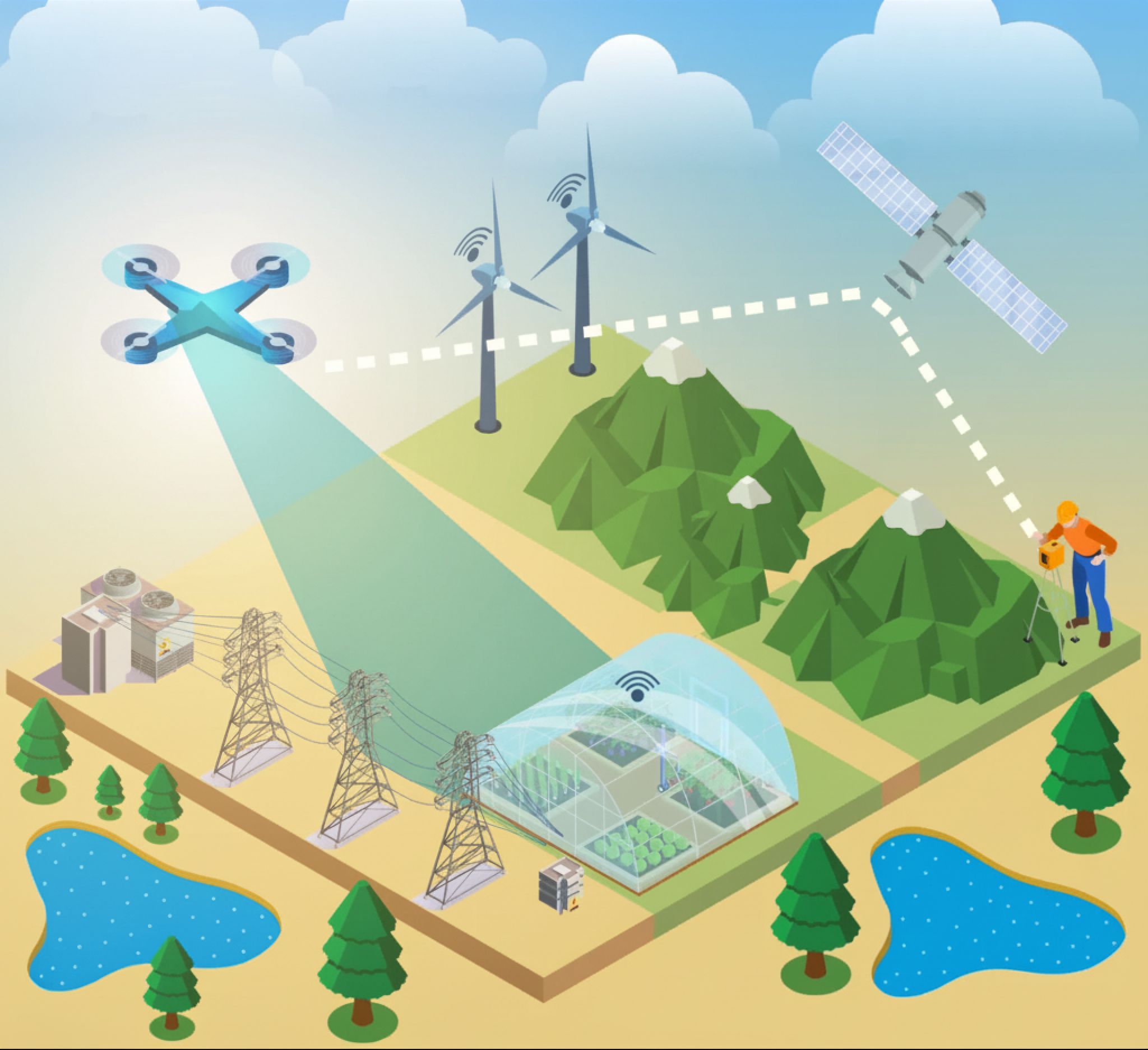
The ArcGIS ecosystem provides direct support for creating and hosting I3S layers:
ArcGIS Pro
ArcGIS Enterprise
ArcGIS Online or Cloud Storage
By combining these components, organizations can create a repeatable, standards-based pipeline for LiDAR publishing.
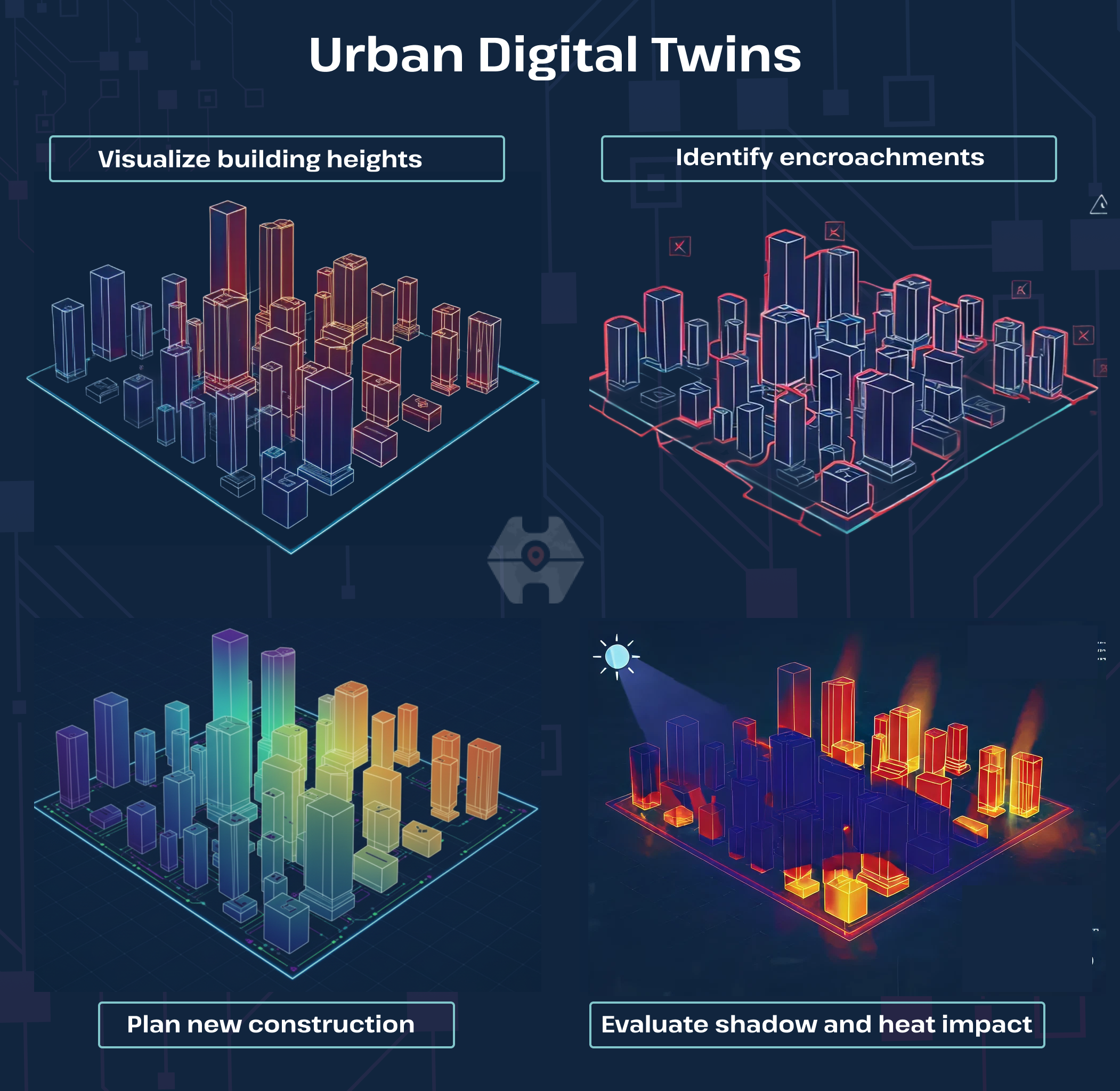
Urban Digital Twins
Cities often collect periodic LiDAR scans to observe changes in building footprints, vegetation, and terrain. I3S layers allow planners, architects, and utility teams to explore the city in full 3D from a browser.
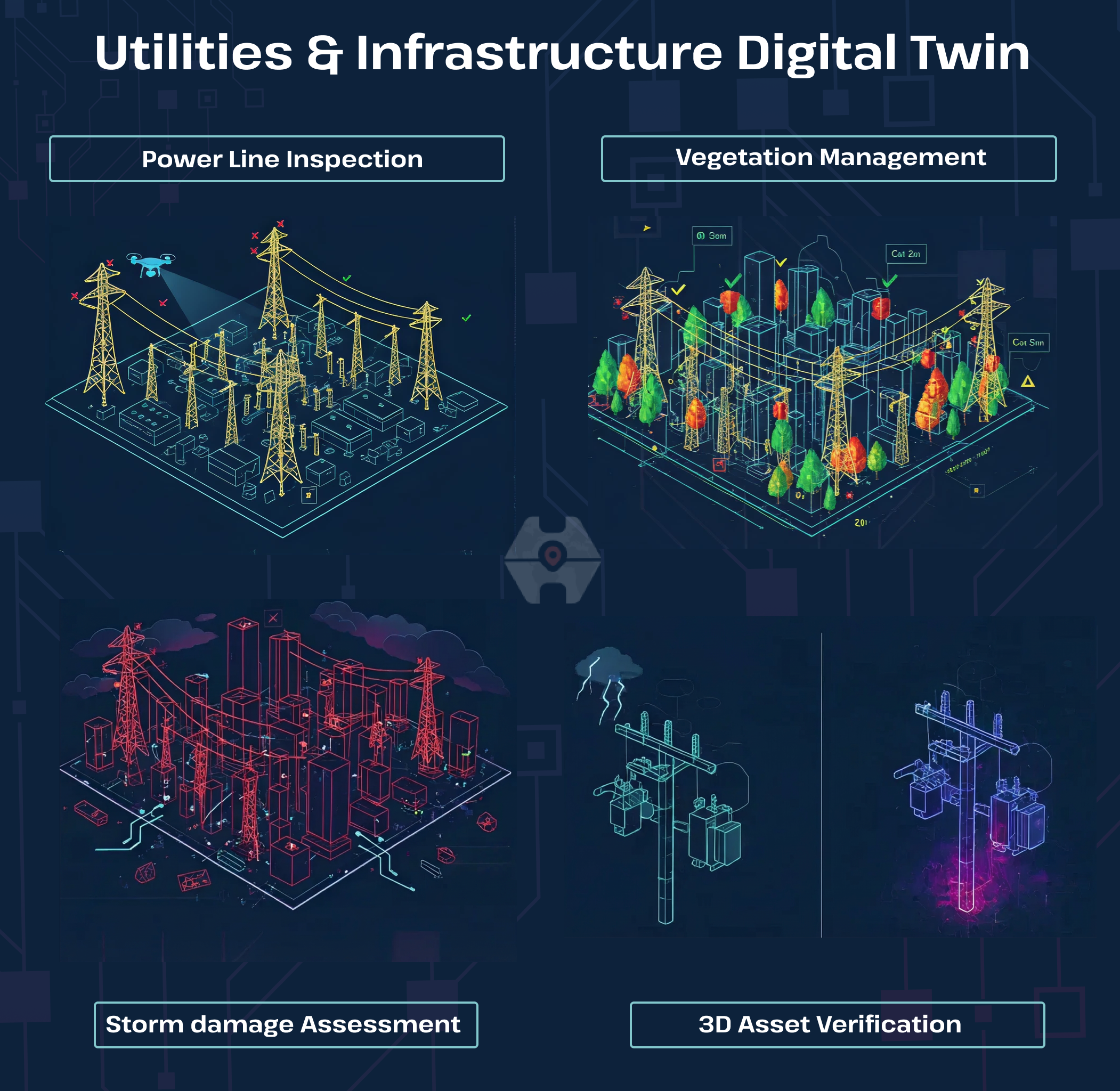
Utilities & Infrastructure
Utilities rely on LiDAR to understand elevation, vegetation, pole heights, and right-of-way clearance.
Transportation & Road Engineering
Highway corridors scanned with LiDAR can be viewed in 3D for safety analysis and engineering design.

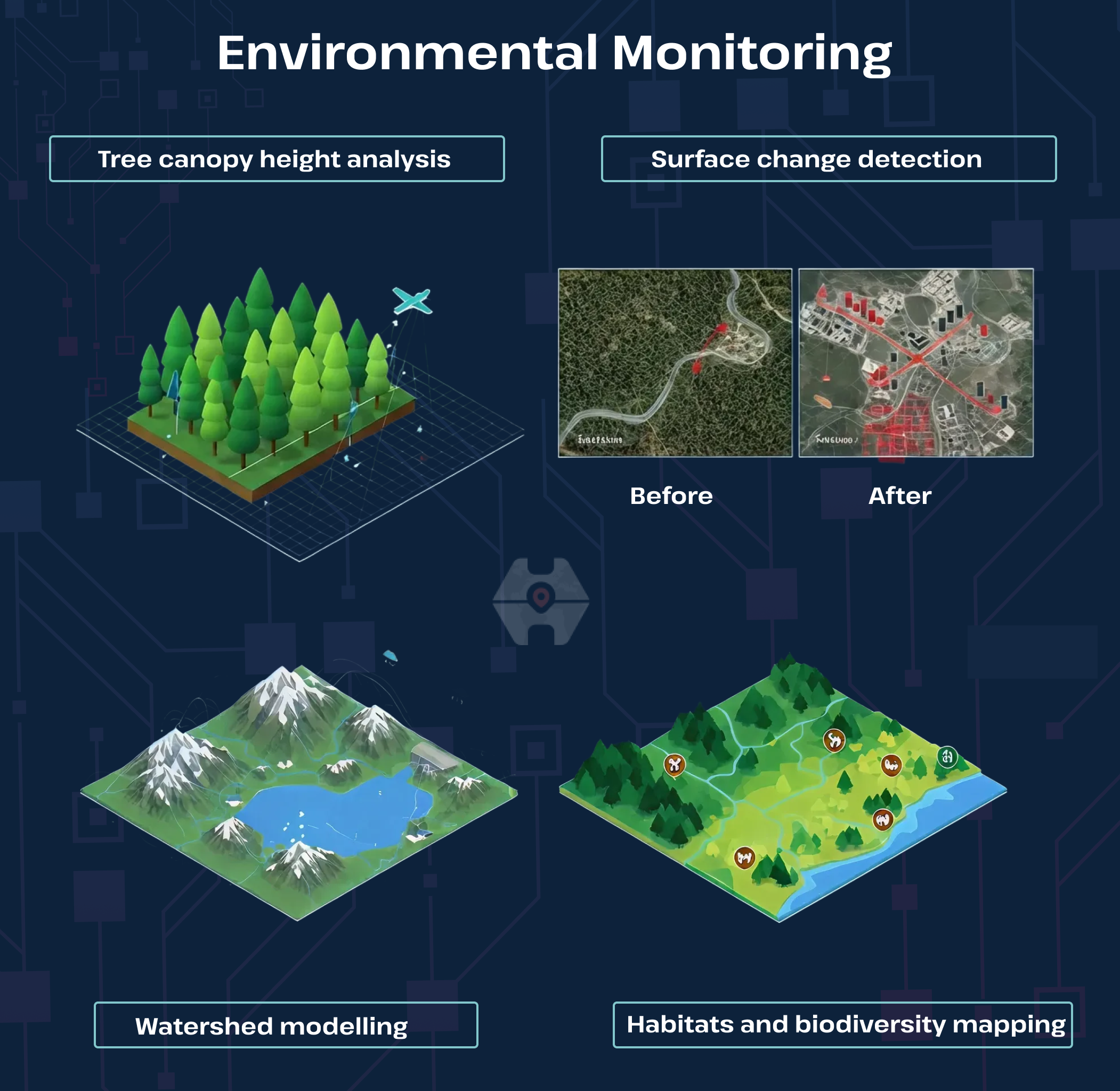
Environmental Monitoring
LiDAR supports monitoring of forests, wetlands, erosion, and flood-prone areas.
You bring the LiDAR. We deliver web-ready 3D experiences in I3S — automatically.
LiDAR alone is powerful, but LiDAR delivered as I3S is transformational. With an automated publishing system and full integration with the ArcGIS platform, organizations can finally move beyond raw files and unlock the true value of their 3D data — visualization, analysis, and decision-making made simple.
If you want to turn your LiDAR datasets into fast, interactive 3D layers without the technical overhead, Hexamaps can help you get there!